
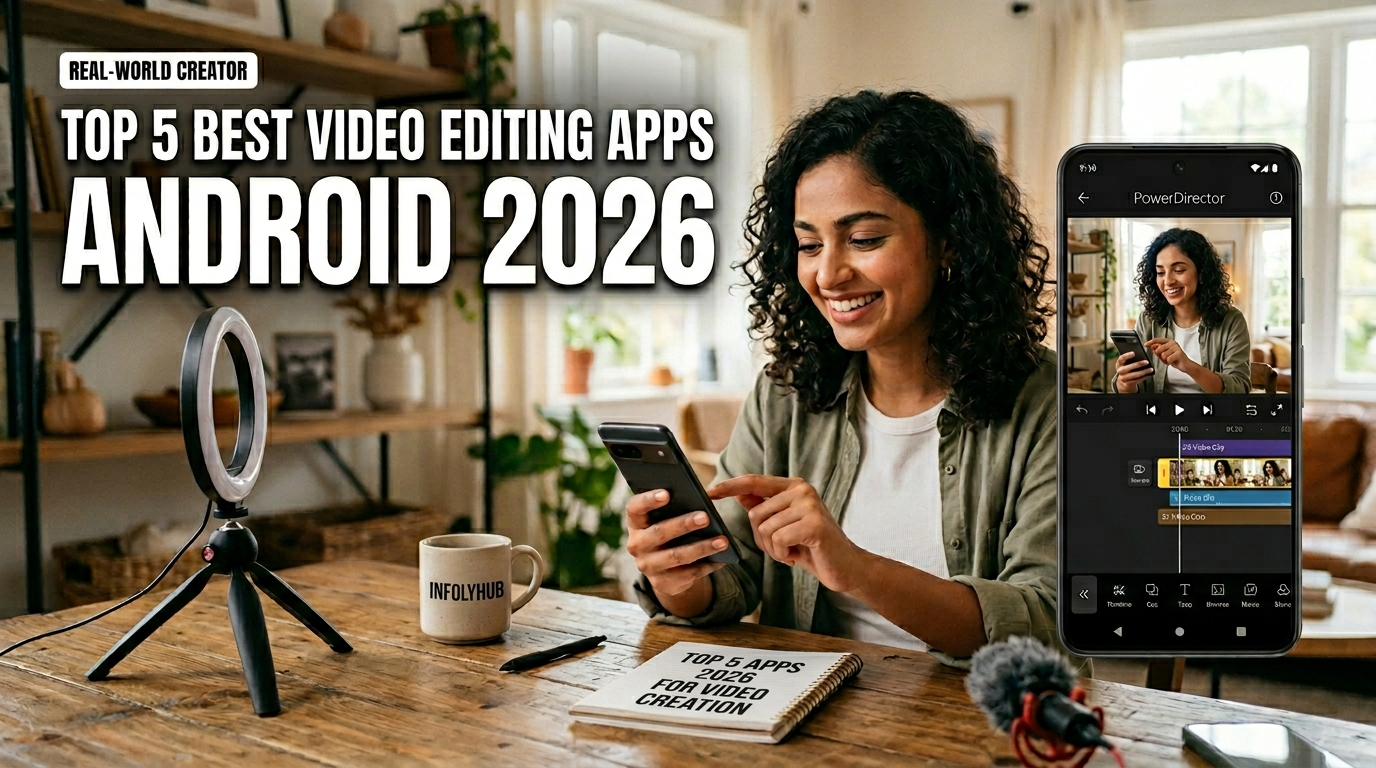
Making cinematic stories on a smartphone is now a reality for everyone. Whether you are in Lahore or Karachi, having a powerful mobile creative tool helps you share your vision instantly. Modern technology simplifies the way we capture and share our daily lives.
Modern creators need reliable utilities to keep up with fast-paced social trends. We have identified the best android video editing software that offers professional features without the steep learning curve. You can now produce studio-quality clips right from your pocket.
These tools provide everything from color grading to AI-assisted cuts. High-quality production is now accessible to anyone using these apps in 2026. Explore how these smart features can elevate your social media presence effortlessly.
Key Takeaways
- Mobile tools empower local content creators to share unique Pakistani stories.
- Professional footage no longer requires expensive or bulky computer hardware.
- Smart features drastically simplify the cutting and post-production process.
- Advanced color grading is now a standard feature on most mobile devices.
- Intuitive interfaces help beginners grow their technical skills quickly and easily.
The Evolution of Mobile Video Editing in 2026
As we step into 2026, the realm of mobile video editing on Android devices has evolved to offer unprecedented levels of sophistication and functionality. The advancements in technology have enabled more professional-grade editing on mobile, making it possible for creators to produce high-quality content on-the-go.
The latest mobile video editing apps have incorporated a wide range of tools and features that were previously exclusive to desktop editing software. These include multi-track editing, advanced color grading, and enhanced audio editing capabilities. The video editing tools for Android have become more intuitive, allowing users to edit videos with greater ease and precision.
One of the significant developments in latest Android video editing apps is the integration of AI-powered editing tools. These tools can automatically adjust the color palette, stabilize shaky footage, and even suggest edits based on the content of the video. This has significantly streamlined the editing process, making it more accessible to both beginners and professionals.
The table below highlights some of the key features of the top video editing tools for Android in 2026:
| App | Multi-Track Editing | AI-Powered Tools | Color Grading |
|---|---|---|---|
| Adobe Premiere Rush | Yes | Yes | Yes |
| CapCut | Yes | Yes | Limited |
| LumaFusion | Yes | No | Yes |
The evolution of top video editing tools for Android has not only enhanced the quality of mobile video editing but has also opened up new creative possibilities for content creators. As technology continues to advance, it will be exciting to see how mobile video editing further evolves in the future.
Criteria for Selecting the Best Video Editing Apps for Android 2026
To identify the top video editing apps for Android in 2026, we considered a range of important criteria. The selection process involved a thorough evaluation of several key factors that contribute to an app’s overall performance and user satisfaction.
The user interface is a critical aspect, as it directly impacts the user experience. An intuitive and user-friendly interface can significantly enhance the editing process, making it more efficient and enjoyable. We looked for apps that offer a clean, organized, and easily navigable interface.
Features and functionalities were another crucial consideration. The best video editing apps for Android in 2026 should offer a comprehensive set of tools and features that cater to various editing needs, from basic trimming and cutting to advanced color grading and audio editing. We assessed the range and quality of these features to determine their effectiveness.
Performance is also vital, as it affects how smoothly an app operates, especially when handling high-resolution videos or complex editing tasks. We evaluated how well each app performs on different Android devices, considering factors such as rendering speed, stability, and the ability to handle multiple tasks simultaneously.
User reviews and ratings provided valuable insights into the real-world performance and usability of each app. By analyzing feedback from a large user base, we gained a better understanding of each app’s strengths and weaknesses, helping us make a more informed selection.
Lastly, we considered the compatibility and integration of each app with other services and devices. The ability to seamlessly share edited videos across various platforms and devices is an important aspect of a video editing app’s overall utility.
By carefully evaluating these criteria, we were able to identify the top video editing apps for Android in 2026 that excel in terms of user interface, features, performance, and overall user satisfaction.
Adobe Premiere Rush
With its intuitive interface and robust features, Adobe Premiere Rush stands out as a top choice for Android video editors. As a professional video editing app for Android, it offers a seamless editing experience that caters to both beginners and seasoned editors.
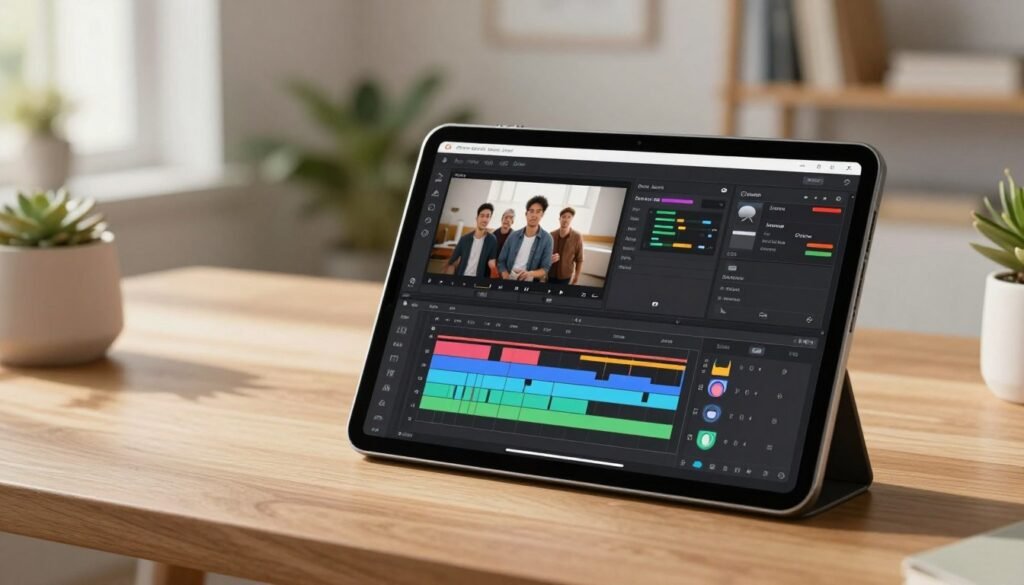
Adobe Premiere Rush is designed to simplify the video editing process on mobile devices. It allows users to create high-quality videos with ease, using a streamlined interface that is both intuitive and powerful.
Pros
- Cross-platform compatibility: Seamlessly edit across desktop and mobile devices.
- User-friendly interface: Intuitive design makes it accessible to editors of all skill levels.
- Advanced editing tools: Offers a range of tools for professional-grade editing on the go.
Cons
- Limited advanced features: Some advanced features are only available on the desktop version.
- Subscription model: Access to premium features requires a subscription.
Features
Adobe Premiere Rush boasts an impressive array of features that make it one of the best video editing tools for Android. These include:
- Multi-track timeline: Allows for complex editing with multiple video and audio tracks.
- Color grading and audio ducking: Enhance the visual and audio quality of your videos.
- Motion graphics templates: Easily add professional-looking graphics to your videos.
CapCut
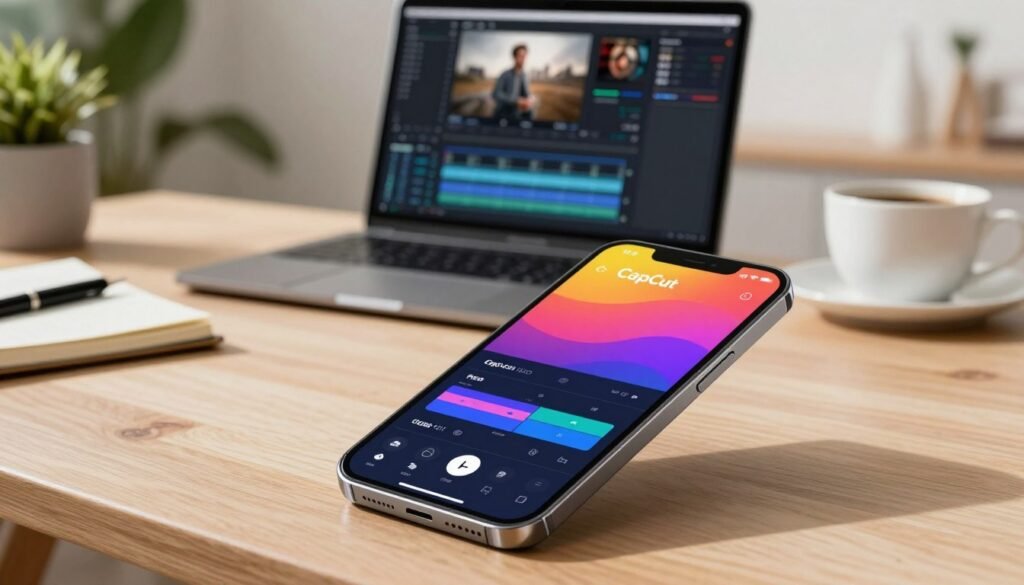
With its intuitive interface and robust features, CapCut is a top choice for Android video editors. CapCut has gained popularity as a free video editing app that offers a wide range of tools and functionalities.
Overview
CapCut is a popular video editing app for Android that provides users with a comprehensive editing experience. It is known for its user-friendly interface, making it accessible to both beginners and professionals.
Pros
CapCut offers several advantages that make it a preferred choice among Android users. Some of its key benefits include:
- Intuitive Interface: CapCut’s interface is designed to be easy to navigate, allowing users to find the tools they need quickly.
- Robust Editing Features: The app offers a wide range of editing features, including trimming, splitting, and merging clips, as well as adding transitions and effects.
- Free to Use: CapCut is a free video editing app, making it an attractive option for users who are looking for a cost-effective solution.
Cons
While CapCut has many advantages, it also has some drawbacks. Some of the limitations include:
- Watermark: The free version of CapCut adds a watermark to the exported video.
- Limited Advanced Features: Some advanced features are only available in the paid version.
Features
CapCut offers a variety of features that enhance the video editing experience. Some of its notable features include:
- Color Grading: CapCut provides color grading tools that allow users to enhance the visual appeal of their videos.
- Audio Editing: The app offers audio editing capabilities, including the ability to add music and adjust audio levels.
- Special Effects: CapCut includes a range of special effects that can be applied to videos.
LumaFusion
LumaFusion stands out as a powerful video editing app designed for Android devices, offering advanced features that cater to professionals and serious content creators.
It is known for its professional-grade editing features, making it a go-to app for Android users who require advanced video editing tools.
Overview
LumaFusion is designed for advanced video editing on Android devices. It offers a multi-track timeline, allowing users to work with multiple video and audio tracks.
This feature is particularly useful for complex editing projects that involve multiple sources of video and audio.
- Advanced Editing Features: Includes keyframe animations and color correction.
- Multi-track Timeline: Allows for complex editing projects.
- Audio Editing Tools: Offers precise control over audio levels and quality.
Cons
- Steep Learning Curve: Requires time to master its advanced features.
- Resource Intensive: May demand significant system resources.
- ITS PAID
Features
LumaFusion includes a range of features that make it an ideal choice for professionals. These include:
- Keyframe animations for precise control over video elements.
- Color correction tools to enhance the visual quality of videos.
- Advanced audio editing tools for refining audio tracks.
These features, combined with its intuitive interface, make LumaFusion one of the top video editing apps for Android devices.
PowerDirector
PowerDirector is a robust video editing app that stands out among the best video editing apps for Android in 2026. It offers a comprehensive video editing experience, making it a top choice for Android users.
Overview
PowerDirector is designed to provide users with a wide range of video editing tools and features. It supports 360-degree video editing, motion tracking, and multiple video layers, making it a versatile editing app.
Key Features: 360-degree video editing, motion tracking, multiple video layers, color adjustment, and audio editing.
Pros
One of the significant advantages of PowerDirector is its user-friendly interface, which makes it accessible to both beginners and professionals. As noted by a prominent video editing expert,
“PowerDirector’s intuitive design and robust features make it an ideal choice for creating professional-grade videos on Android devices.”
- Supports 360-degree video editing
- Offers motion tracking and multiple video layers
- User-friendly interface
Cons
Despite its many features, PowerDirector can be overwhelming for beginners due to its complexity. Additionally, some users have reported that the app can be resource-intensive, potentially slowing down older devices.
Features
PowerDirector boasts an impressive array of features, including color adjustment and audio editing tools. It also supports a wide range of file formats, making it easy to work with different types of media.
The app’s 360-degree video editing capability allows users to create immersive videos, while the motion tracking feature enables advanced visual effects.
VN Video Editor
For Android users seeking a powerful yet easy-to-use video editing solution, VN Video Editor stands out as a top contender. This app has garnered attention for its intuitive interface and comprehensive set of editing tools, making it an excellent choice for both beginners and experienced editors.
Overview
VN Video Editor is a free video editing app that offers a wide range of features without the need for a subscription or watermark on the exported videos. It’s designed to be user-friendly, allowing creators to focus on bringing their vision to life without getting bogged down in complicated menus or confusing options.
Pros
- Intuitive Interface: VN Video Editor boasts a clean and straightforward interface that makes it easy to navigate and find the tools you need.
- Advanced Editing Features: Despite its simplicity, the app includes advanced features such as multi-track editing, chroma keying, and support for 4K video editing.
- Customizable: Users can personalize their editing experience with various themes and customizable keyboard shortcuts.
- No Watermark: Unlike some free video editing apps, VN Video Editor does not add a watermark to your exported videos.
Cons
- Limited Audio Editing: While VN Video Editor offers robust video editing capabilities, its audio editing features are somewhat limited compared to some other apps.
- Resource Intensive: The app can be demanding on device resources, potentially leading to performance issues on lower-end devices.
Features
VN Video Editor is packed with features that make it an attractive option for Android users. Some of its key features include:
- Multi-track video and audio editing
- Support for 4K video at 30fps
- Chroma keying (green screen effect)
- Adjustable video speed
- Keyframing for precise control over effects
Here’s a summary of VN Video Editor’s key features and performance in a comparative table:
| Feature | VN Video Editor | Adobe Premiere Rush | CapCut |
|---|---|---|---|
| Multi-track Editing | Yes | Yes | Yes |
| 4K Support | Yes | Yes | Yes |
| Chroma Keying | Yes | Yes | Yes |
| Free to Use | Yes | Limited Free Version | Yes |
VN Video Editor is a versatile and powerful tool for Android users looking to create high-quality videos without the need for expensive software or a computer. Its combination of ease of use, advanced features, and free availability makes it a compelling choice for anyone in the market for a best free video editing app for Android.
FAQ
What is the best video editor for android in 2026 for professional use?
For creators seeking professional video editing software for android, LumaFusion remains the gold standard. It provides a desktop-class multi-track timeline and advanced color correction tools. If you are already in the Adobe ecosystem, Adobe Premiere Rush is another top-rated editing app for android that allows for seamless syncing between your mobile device and desktop.
Are there any high-quality free video editing apps for android available right now?
Yes, there are several best free video editing apps for android that offer powerful features without a price tag. VN Video Editor is highly recommended for being ad-free and watermark-free, while CapCut is a popular android video editing app known for its massive library of trending effects and innovative android video editing apps features specifically designed for social media creators.
How do I choose the best app for video editing on android based on my device?
When looking at an android video editor comparison, hardware matters. Advanced editing apps like PowerDirector and LumaFusion perform best on flagship devices such as the Samsung Galaxy S26 or Google Pixel 10. For mid-range phones, easy video editing apps like CapCut are better optimized to ensure a smooth experience without crashing during 4K exports.
Can I really edit videos on android that look like they were made on a PC?
Absolutely. The latest video editing tools found in android video editing apps 2026 include AI-driven masking, keyframe animations, and professional audio mixing. By using top video editing tools like LumaFusion or PowerDirector, you can achieve a high-production look that rivals traditional desktop software, making them the best mobile video editors for modern professionals.
What are the must-have android video editing apps for social media influencers?
For quick, viral content, CapCut is widely considered the best video editing app 2026 for TikTok and Instagram Reels. However, if you want more creative control, VN Video Editor offers top-rated video editing applications features like curve shifting and custom LUTs, which are essential mobile video editing tools for building a unique brand aesthetic.
Is there a significant difference in performance between the top video editing apps for android devices?
Yes, performance varies based on how the software utilizes your phone’s processor. In our video editing app reviews android 2026, we found that Adobe Premiere Rush is exceptionally stable for long-form content, while PowerDirector is optimized for speed, offering the fastest rendering times among the leading video editing apps for android.
Where can I find a reliable video editing apps for android tutorial for beginners?
Most top android video editors like CapCut and PowerDirector have built-in tutorials and massive community support on platforms like YouTube. These android video editing tools are designed with user-friendly interfaces, making them the best video editing tools for mobile users who are just starting their content creation journey.
Your words are powerful and have the ability to make a real difference in people’s lives Keep using your voice to spread positivity and knowledge