
Have you ever wondered if your smartphone could truly replace a professional studio? From Karachi to Lahore, capturing memories on the go is vital for Pakistani creators today. Finding the best photo editing apps for android helps you turn basic shots into masterpieces without a heavy computer.
The mobile landscape shifts quickly, and staying ahead means using the right software. This guide showcases the most capable systems for 2026 to help you stand out from the crowd. These options offer high-grade features for every single user in the country.
Whether you are a social media influencer or a hobbyist, next-generation solutions provide incredible AI filters. Let’s dive into these rated choices to see how they change your workflow. You will find tools that make your visual storytelling easier than ever before.
Key Takeaways
- Explore future-ready tools for mobile users.
- Use AI-powered features to refine your shots.
- Discover user-friendly interfaces for beginners.
- Access high-quality export options for creators.
- Find essential software tailored for the Pakistan market.
1. Adobe Lightroom Mobile – Professional RAW Editing Powerhouse
For professional photographers and enthusiasts alike, Adobe Lightroom Mobile stands out as a powerhouse for RAW image editing on Android devices. It offers a comprehensive set of tools that cater to both beginners and advanced users.
Adobe Lightroom Mobile
Overview
Adobe Lightroom Mobile is designed to provide a seamless editing experience across devices. It allows users to edit, organize, and share their photos with ease. The app is available for free, with optional premium features available through an Adobe Creative Cloud subscription.
Key Features
RAW Image Editing: One of the standout features of Adobe Lightroom Mobile is its ability to edit RAW images. This allows for greater flexibility and control over the editing process.
Presets and Profiles: The app comes with a variety of presets and profiles that can be applied to achieve specific looks or moods in your photos.
- Supports RAW image editing
- Offers a range of presets and profiles
- Syncs edits across devices via Adobe Creative Cloud
| Feature | Description | Benefit |
|---|---|---|
| RAW Editing | Edit images in RAW format | Greater control over editing |
| Presets | Apply predefined looks to photos | Saves time and achieves consistent looks |
| Cloud Sync | Sync edits across devices | Seamless workflow across platforms |
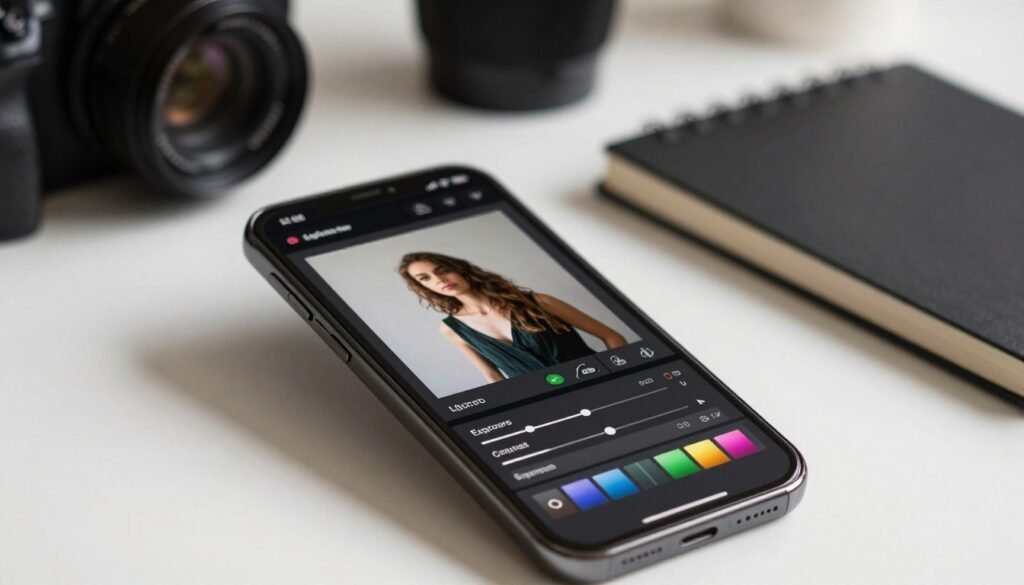
The app’s non-destructive editing allows users to make changes without altering the original image. Additionally, the intuitive interface makes it accessible to users of all skill levels.
- Non-destructive editing
- User-friendly interface
- Cross-platform compatibility
Cons
While Adobe Lightroom Mobile is powerful, it can be overwhelming for beginners due to its extensive feature set. Some advanced features require an Adobe Creative Cloud subscription.
2. Snapseed – Google’s Feature-Rich Free Editor
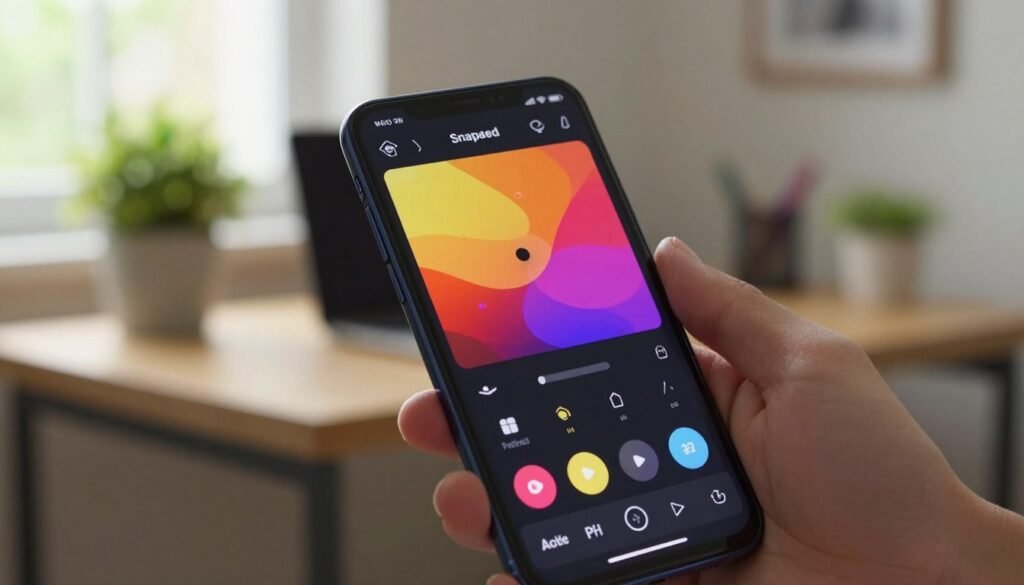
Google’s Snapseed is a versatile and highly capable photo editing application that has garnered acclaim for its extensive feature set and user-friendly interface.
Snapseed by Google
Snapseed is designed to cater to a wide range of users, from casual photographers to professionals. It offers a comprehensive suite of editing tools that can be used to enhance and manipulate images.
Overview
Snapseed is a free photo editing app developed by Google, known for its powerful editing capabilities and intuitive interface. It supports various image formats and offers a non-destructive editing process, allowing users to experiment with different edits without altering the original image.
Key Features
Snapseed boasts an impressive array of features that make it a standout in the world of mobile photo editing. Some of its key features include:
- Selective Adjustments: Snapseed allows users to make selective adjustments to their photos, enabling precise control over exposure, contrast, and other parameters.
- Filters and Presets: The app comes with a variety of filters and presets that can be applied to give photos a unique look.
- Tools and Adjustments: Snapseed offers a range of tools and adjustments, including the ability to crop, rotate, and straighten images, as well as more advanced features like the “Tune Image” and “Details” tools.
Pros
Snapseed has several advantages that make it a popular choice among Android users. Some of its key benefits include:
- Comprehensive Editing Tools: Snapseed offers a wide range of editing tools that cater to different needs and skill levels.
- User-Friendly Interface: The app’s interface is intuitive and easy to navigate, making it accessible to users of all experience levels.
- Non-Destructive Editing: Snapseed’s non-destructive editing capability ensures that the original image remains unchanged.
Cons
While Snapseed is a powerful and feature-rich app, it does have some limitations. Some of the drawbacks include:
- Steep Learning Curve: While the interface is generally user-friendly, some of the more advanced features may require time to learn.
- Limited RAW Support: Although Snapseed supports RAW images, the support is not as comprehensive as some other professional editing apps.
3. VSCO – Creative Filters and Film Aesthetics
In the realm of mobile photo editing, VSCO is celebrated for its creative filters that evoke a nostalgic, film-like quality. This app has gained a significant following due to its ability to enhance photos with a simple yet effective approach.
VSCO Photo & Video Editor
Overview
VSCO is more than just a photo editing app; it’s a tool that allows users to express their creativity through a variety of filters and editing options. It is particularly popular among those who appreciate the aesthetic of film photography.
VSCO’s interface is clean and intuitive, making it accessible to both beginners and experienced photographers. The app offers a range of presets that can be applied to photos to give them a distinct look. These presets are designed to mimic the characteristics of various film stocks, allowing users to achieve a specific aesthetic without extensive editing knowledge.
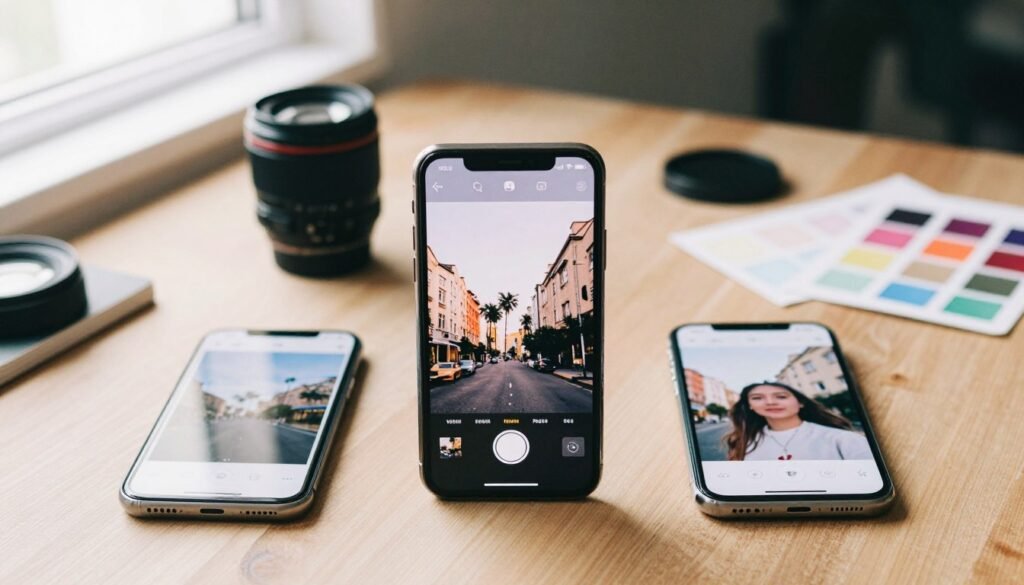
Some of the key features that make VSCO stand out include:
- Creative Filters: VSCO offers a variety of filters that can dramatically change the look and feel of your photos.
- Editing Tools: Beyond filters, VSCO provides basic editing tools such as exposure adjustment, contrast, and grain.
- User-Friendly Interface: The app is designed to be easy to navigate, even for those who are new to photo editing.
Pros
The advantages of using VSCO include:
- Artistic Control: VSCO’s filters and editing tools offer a high degree of creative control.
- Aesthetic Consistency: The app’s film-inspired presets help in achieving a consistent look across your photos.
Cons
While VSCO is highly regarded, some users may find that:
- The app lacks advanced editing features available in other photo editing software.
- Some of the most popular filters and features are available only with a subscription.
4. PicsArt Photo Editor – AI-Powered Creative Suite
PicsArt Photo Editor is revolutionizing the world of mobile photography with its AI-powered creative suite. This app is designed to cater to both professional photographers and hobbyists, offering a wide range of tools and features that simplify the editing process.
PicsArt AI Photo Editor
Overview
PicsArt Photo Editor is a comprehensive editing app that utilizes AI to enhance the photo editing experience. It offers a variety of tools, from basic adjustments to advanced AI-driven features, making it a versatile choice for users.
Key Features
- AI-powered editing tools: PicsArt leverages AI to offer advanced editing capabilities, including object removal and image enhancement.
- Wide range of filters and effects: The app provides numerous filters and effects that can be applied to photos to give them a unique look.
- Drawing and painting tools: Users can also express their creativity through the app’s drawing and painting tools.
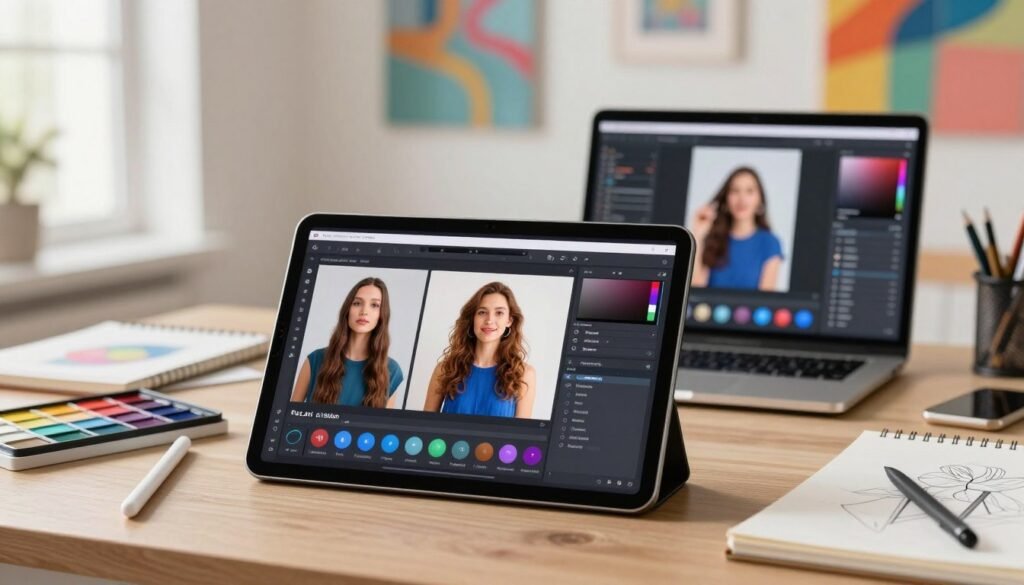
The PicsArt Photo Editor offers several advantages, including:
- User-friendly interface: Despite its advanced features, the app remains easy to navigate.
- Powerful AI-driven tools: The AI-powered features significantly enhance the editing process.
- Constantly updated features: PicsArt regularly updates its app with new features and tools.
Cons
While PicsArt Photo Editor is a robust tool, it has some drawbacks:
- Ads can be intrusive: Some users may find the ads disruptive.
- In-app purchases: To access all features, users may need to make in-app purchases.
5. Adobe Photoshop Express – Desktop Power on Mobile
For Android users seeking professional-grade photo editing on-the-go, Adobe Photoshop Express is a powerful tool that brings desktop-level capabilities to mobile devices.
The Powerhouse of Mobile Editing
Adobe Photoshop Express is designed to offer a comprehensive editing experience, making it an ideal choice for those who need advanced features without the complexity.
Overview
Adobe Photoshop Express is a streamlined version of the renowned desktop application, tailored for mobile use. It offers a range of tools and features that cater to both amateur and professional photographers.
Key Features
- Advanced Editing Tools: Offers a variety of adjustment options including exposure, contrast, and color grading.
- Layer Support: Allows for basic layer management, enabling more complex compositions.
- Effects and Filters: Includes a selection of effects and filters to enhance or transform images.
Pros
- Professional-Grade Tools: Brings advanced editing capabilities to mobile devices.
- User-Friendly Interface: Despite its powerful features, the app remains intuitive and easy to navigate.
- Seamless Integration: Integrates well with other Adobe services, allowing for easy sharing and collaboration.
Cons
- Limited Advanced Features: Some advanced features available on the desktop version are not included in the mobile app.
- Subscription Model: Access to premium features requires a subscription.
6. Pixlr – Advanced Layering and Effects Engine
For those seeking a professional-grade photo editor on Android, Pixlr stands out with its robust features. It offers a comprehensive suite of tools that cater to both beginners and advanced users.
Photo Editor Experience
Overview
Pixlr is a versatile photo editing app that brings advanced layering and effects engine capabilities to Android users. It is designed to provide a seamless editing experience, allowing users to enhance their photos with a variety of tools and filters.
Key Features
Some of the standout features of Pixlr include its advanced layering capabilities, allowing users to work on multiple layers within a single image. Additionally, Pixlr boasts an effects engine that offers a wide range of filters and adjustments to fine-tune your photos.
- Layer management for complex edits
- Variety of filters and effects
- Adjustment tools for precise control
Pixlr’s strengths lie in its user-friendly interface and the depth of its editing tools. It’s a great option for those looking for a free professional photo editor on Android.
| Feature | Description | Benefit |
|---|---|---|
| Layer Support | Allows for multi-layer editing | Enhances editing flexibility |
| Effects Engine | Offers various filters and effects | Provides creative options |
| User Interface | Intuitive and easy to navigate | Makes editing more accessible |
Cons
While Pixlr is powerful, some users may find the learning curve steep due to its numerous features. Additionally, the free version includes ads, which might be a drawback for some.
7. Remini – AI Photo Enhancement and Restoration Specialist
Remini is revolutionizing the way we restore and enhance old photos with its cutting-edge AI technology. This app has gained popularity for its ability to transform low-quality, damaged, or faded photographs into clear and vibrant images.
AI Photo Enhancer
Overview
Remini is an AI-powered photo editing app designed specifically for enhancing and restoring photos. It uses advanced algorithms to improve image quality, remove noise, and correct defects, making it a valuable tool for anyone looking to revive old memories.
Key Features
- AI-driven enhancement: Automatically improves image quality.
- Photo restoration: Repairs damaged or faded photos.
- Noise reduction: Removes grain and noise from images.
- Easy to use: Simple and intuitive interface.
Pros
- High-quality results: Produces professional-grade enhancements.
- User-friendly: Easy for users of all skill levels.
- Fast processing: Quickly enhances and restores photos.
Cons
- Limited manual control: Some users may find the lack of manual adjustment options limiting.
- In-app purchases: Advanced features may require additional payment.
Remini is a powerful tool for anyone looking to enhance and restore their photos using AI photo enhancement technology. Its ease of use and high-quality results make it a standout among AI-powered photo editing apps for Android.
For those in Pakistan and elsewhere, Remini offers a convenient and effective solution for photo restoration and enhancement, making it one of the best Android apps for editing photos professionally.
8. Best Photo Editing Android Apps 2026 – Photoleap by Lightricks
Photoleap by Lightricks is revolutionizing the world of mobile photo editing with its cutting-edge features. This app has garnered attention for its powerful editing capabilities and user-friendly interface, making it a standout in the crowded market of photo editing Android apps.
Photoleap – Advanced Photo Editor
Overview
Photoleap is designed to provide users with a comprehensive editing experience. It combines a wide range of tools and features that cater to both amateur and professional photographers. The app’s intuitive design ensures that users can easily navigate through its various functions.
Key Features
Some of the key features that make Photoleap a top choice include:
- Advanced AI-powered editing tools that simplify complex editing tasks.
- A wide range of filters and effects to enhance your photos.
- Layer support for complex compositions.
- Customizable brushes for precise editing.
These features are designed to provide users with the flexibility and creativity they need to produce high-quality images.
Pros
The advantages of using Photoleap include:
- A user-friendly interface that makes editing accessible to everyone.
- A robust set of features that rival desktop editing software.
- Regular updates with new features and improvements.
Cons
While Photoleap is highly regarded, there are some drawbacks to consider:
- The app can be overwhelming for beginners due to its extensive feature set.
- Some advanced features require a subscription.
Despite these limitations, Photoleap remains a powerful tool for those looking to enhance their mobile photo editing experience.
| Feature | Description | Benefit |
|---|---|---|
| AI-powered editing | Simplifies complex editing tasks | Saves time and effort |
| Layer support | Allows for complex compositions | Enhances creativity |
| Customizable brushes | Provides precise editing control | Improves editing accuracy |
9. Luminar Neo Mobile – AI-Driven Professional Editing
With its powerful AI-driven features, Luminar Neo Mobile is redefining the landscape of mobile photo editing. This app brings a plethora of professional-grade editing tools to Android devices, making it an indispensable asset for both professional photographers and serious hobbyists.
Advanced Editing on the Go
Luminar Neo Mobile is designed to provide a comprehensive editing experience on Android devices. It leverages AI technology to simplify complex editing tasks, making it accessible to a wide range of users.
Overview
Luminar Neo Mobile is a cutting-edge photo editing app that utilizes AI to offer advanced editing capabilities. It is designed to be user-friendly while providing powerful tools for enhancing and manipulating images.
Key Features
- AI-driven editing tools: Simplifies complex editing tasks with intuitive controls.
- Layer support: Allows for complex compositions and edits.
- Advanced filters and effects: Offers a range of creative options to enhance photos.
- Portrait and landscape editing: Includes specific tools tailored for different photography types.
- User-friendly interface: Despite its advanced features, the app remains accessible to users of various skill levels.
- Powerful AI tools: Enables quick and sophisticated edits without extensive manual adjustment.
- Constant updates: The developers regularly add new features and improvements.
Cons
- Resource-intensive: May require a relatively powerful Android device to run smoothly.
- Steep learning curve for advanced features: While basic editing is straightforward, mastering the app’s full potential may take time.
10. Canva Photo Editor – Design and Editing Combined
In the realm of Android photo editing apps, Canva Photo Editor distinguishes itself with its robust design and editing features. This app is not just about editing photos; it’s about transforming them into visually appealing designs that can be used for various purposes, from social media posts to professional presentations.
Canva Photo Editor App
Overview
Canva Photo Editor is part of the popular Canva graphic design platform, known for its user-friendly interface and extensive template library. The app brings the simplicity and power of Canva’s design tools to your Android device, allowing you to edit and design on the go.
Key Features
The app boasts a wide array of features that make it an excellent choice for both casual users and professionals. Some of its key features include:
- Extensive Template Library: Access to thousands of pre-designed templates for various social media platforms, presentations, and more.
- Advanced Editing Tools: Includes a variety of filters, adjustments for brightness, contrast, and saturation, and the ability to add text and graphics.
- User-Friendly Interface: Designed to be intuitive, making it easy for users of all skill levels to navigate and use its features.
- Collaboration Tools: Allows for seamless collaboration on design projects, making it a great tool for teams and businesses.
Canva Photo Editor offers several advantages that make it a top choice among Android users:
- Versatility: Combines photo editing and design capabilities in one app.
- Accessibility: User-friendly interface makes it accessible to users of all skill levels.
- Constantly Updating Templates and Features: Regular updates ensure that users have access to the latest design trends and features.
Cons
While Canva Photo Editor is a powerful tool, there are a few drawbacks to consider:
- Limited Advanced Editing Features: While it offers a range of editing tools, some advanced features may be lacking compared to specialized photo editing apps.
- Ads in the Free Version: The free version includes ads, which can be distracting for some users.
Conclusion
The top 10 photo editing Android apps for 2026 offer a range of advanced features and tools to enhance your mobile photography experience. From professional-grade editors like Adobe Lightroom Mobile and Adobe Photoshop Express to creative suites like PicsArt and Canva, there’s an app to suit every need and skill level.
These best photo editing apps for Android 2026 have been rated highly by users and critics alike, and offer a range of benefits, including advanced layering and effects engines, AI-powered editing tools, and seamless integration with other creative apps.
As we look to the future, photo editing trends 2026 are likely to be shaped by advancements in AI and machine learning, with apps like Remini and Luminar Neo Mobile already showcasing the potential of these technologies.
FAQ
Which application is considered the best photo editor android users should download in 2026?
Are there any free professional photo editor android apps that offer high-end tools?
Which ai powered photo editing apps for android are best for restoration?
Can I find advanced photo editing apps for professional photographers that support layers?
What are the must-have photo editing apps for android for social media creators?
Is Luminar Neo Mobile a good choice for advanced android photo editing options?
How do I choose between the top photo editing apps for android 2026?
What are the current photo editing trends 2026 for mobile devices?
Which android photo editing tools are best for adding artistic filters?
Where can I find a reliable photo editing app download for android 2026?
Whether you’re a professional photographer or a social media enthusiast, these top 10 photo editing Android apps are sure to help you take your mobile photography to the next level.